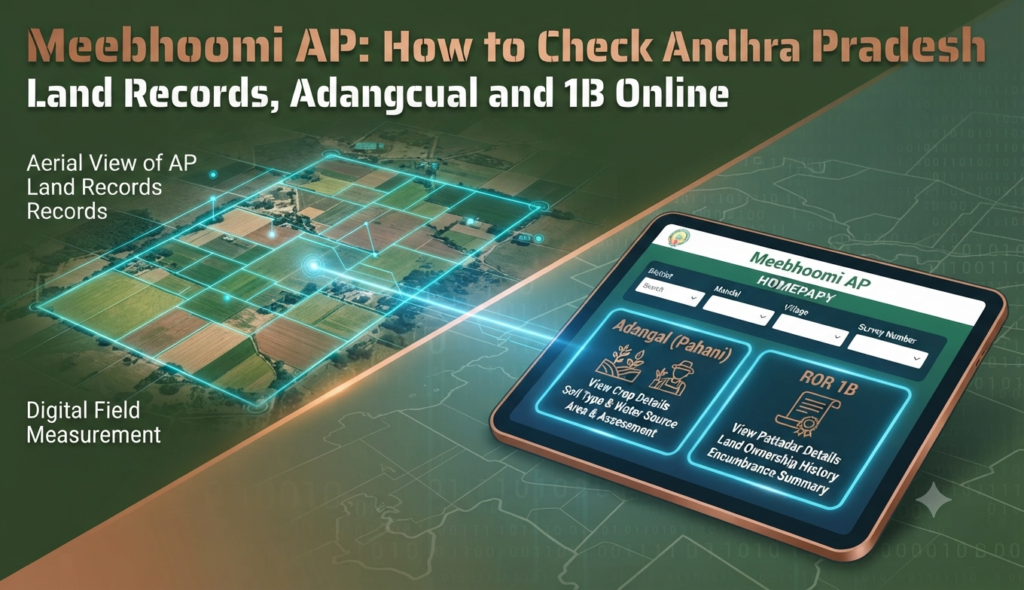
Before you pay a rupee for agricultural land or a plot in Andhra Pradesh, you can verify who owns it and whether it carries any dues — for free, from your phone. The Meebhoomi AP land records portal digitises the state’s revenue records so buyers, farmers and lenders can view the Adangal, 1B (ROR) and village maps online without visiting a tahsildar’s office.
What is Meebhoomi and why it matters
Meebhoomi (meaning “my land” in Telugu) is the official land records portal run by the Government of Andhra Pradesh’s Revenue Department, launched in 2015 at meebhoomi.ap.gov.in. It brings together the two core documents that establish rights over agricultural land: the Adangal (village account of cultivation and crop details) and the 1B or Record of Rights (ROR), which lists the pattadar, khata number and extent of holding.
For a buyer, these records answer the most important pre-purchase questions: Who is the registered owner? How much land do they actually hold? Are there any liabilities, loans or disputes noted against the survey number? Checking them early is the cheapest form of due diligence you can do, and it pairs naturally with pulling an encumbrance certificate to confirm the property is free of mortgages.
Documents you can access on Meebhoomi
| Record | What it shows | Common use |
|---|---|---|
| Adangal / Pahani | Survey-wise crop, soil, extent, water source and land classification | Cultivation proof, crop loans |
| 1B (ROR) | Pattadar name, khata number, extent held, nature of rights | Ownership verification |
| Village Adangal / 1B | Full village listing of survey numbers and holders | Cross-checking neighbours and boundaries |
| e-Passbook | Digital land passbook of the pattadar | Loans, ownership record |
| FMB (Field Measurement Book) | Precise survey measurements and plot shape | Boundary and area verification |
How to check Adangal online in AP
The Adangal (also called Pahani) is usually the first record buyers look up. To view it:
- Open the official portal at meebhoomi.ap.gov.in.
- Hover over the Adangal menu and choose Your Adangal (individual) or Village Adangal.
- Pick a search option — by survey number, account number (khata), Aadhaar number, or by name.
- Select your district, zone/mandal and village from the drop-down menus.
- Enter the chosen identifier (for example the survey number) and the on-screen captcha code.
- Click Click/Submit to display the Adangal, then download or print it for your records.
The generated document shows the extent, land classification and any noted liabilities against that survey number, which is exactly what you want to confirm before negotiating a price.
How to view and download the 1B / ROR
The 1B is the ownership record. Many buyers specifically want the Meebhoomi 1B Adangal download to keep on file. The steps mirror the Adangal flow:
- On the homepage, click 1(B) and choose Your 1(B) or Village 1(B).
- Select whether to search by survey number, account number or Aadhaar number.
- Choose the district, zone/mandal and village.
- Enter the identifier and captcha, then submit.
- The ROR 1B appears with the pattadar’s name, khata number and extent held; use the print/download option to save it.
Reviewing the Meebhoomi ROR 1B before buying property lets you match the seller’s name against the official record. If the name on the 1B does not match the person selling the land, treat it as a red flag and pause the deal until it is explained.
How to verify land ownership in Andhra Pradesh online
To truly confirm ownership rather than just view a record, combine several checks:
- Match the seller’s name on the 1B/ROR exactly, including father’s name and khata number.
- Confirm the extent on the Adangal matches the area being sold — sellers sometimes quote a larger figure than the record supports.
- Pull the FMB and village map to check the plot’s shape and boundaries against what you see on the ground; our guide on how to read a cadastral map explains the symbols.
- Cross-verify encumbrances and past transactions on the registration department’s records, and obtain an EC for the survey number.
Doing all four together is what separates a casual look-up from genuine land ownership verification in Andhra Pradesh.
Meebhoomi and buying a home in AP
Meebhoomi is built around agricultural and revenue land, so records are indexed by survey number rather than flat number. If you are buying an apartment in a registered project, the developer’s title and the layout approvals matter more than the raw Adangal — but the parent land’s 1B is still worth checking to confirm a clean chain of title. Once ownership checks out, understanding your property registration charges in Andhra Pradesh helps you budget the final closing cost accurately.
A note on look-alike sites: only meebhoomi.ap.gov.in is the official government portal. Several private websites mirror its look but are not authoritative, so download official copies only from the .gov.in domain and, for any legal decision, obtain a certified record from the mandal revenue office.
Frequently Asked Questions
Is the Meebhoomi land record legally valid as proof of ownership?
What details do I need to check land records on Meebhoomi?
Can I download the 1B Adangal from Meebhoomi for free?
What is the difference between Adangal and 1B on Meebhoomi?
The Meebhoomi record shows a different name than the seller. What should I do?
This article is for general information only and is not legal advice. Land records, portal features and official links can change; always verify current details and obtain certified copies from the official meebhoomi.ap.gov.in portal and the mandal revenue office before acting. Godrej Realty Homes is a property listings portal.